
Site plan on a live map
Upload a site plan PDF or image and calibrate it over live satellite, street or hybrid mapping. It stays pinned while you pan, zoom and rotate.
Free construction site logistics planner
Plan your construction site logistics in minutes — in the browser, no install, no licence. Upload your site plan PDF, drop it on the map, mark up cranes, plant, fencing, routes and any other site detail, then export a clean PDF sheet for every phase.
Formerly Easy Logistics Planner (ELP). Free to use – no install, no licence, no sign-up.

How it works
Open the app, drop in your drawing and start planning. There’s nothing to download and no account to create.
Add your site plan as a PDF or image and calibrate it over a live satellite, street or hybrid map. It stays pinned in place while you pan, zoom and rotate.
Drag or click true-size cranes, excavators, sheds, vehicles, fencing and signage onto the plan, then add arrows, dimensions, callouts and hatching.
Organise everything into construction phases and export a print-ready PDF at A1, A3 or A4 – complete with legend, logo and north arrow.
Features
Built for the way site logistics plans are actually put together – fast, visual and to scale.
Upload a site plan PDF or image and calibrate it over live satellite, street or hybrid mapping. It stays pinned while you pan, zoom and rotate.
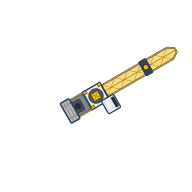
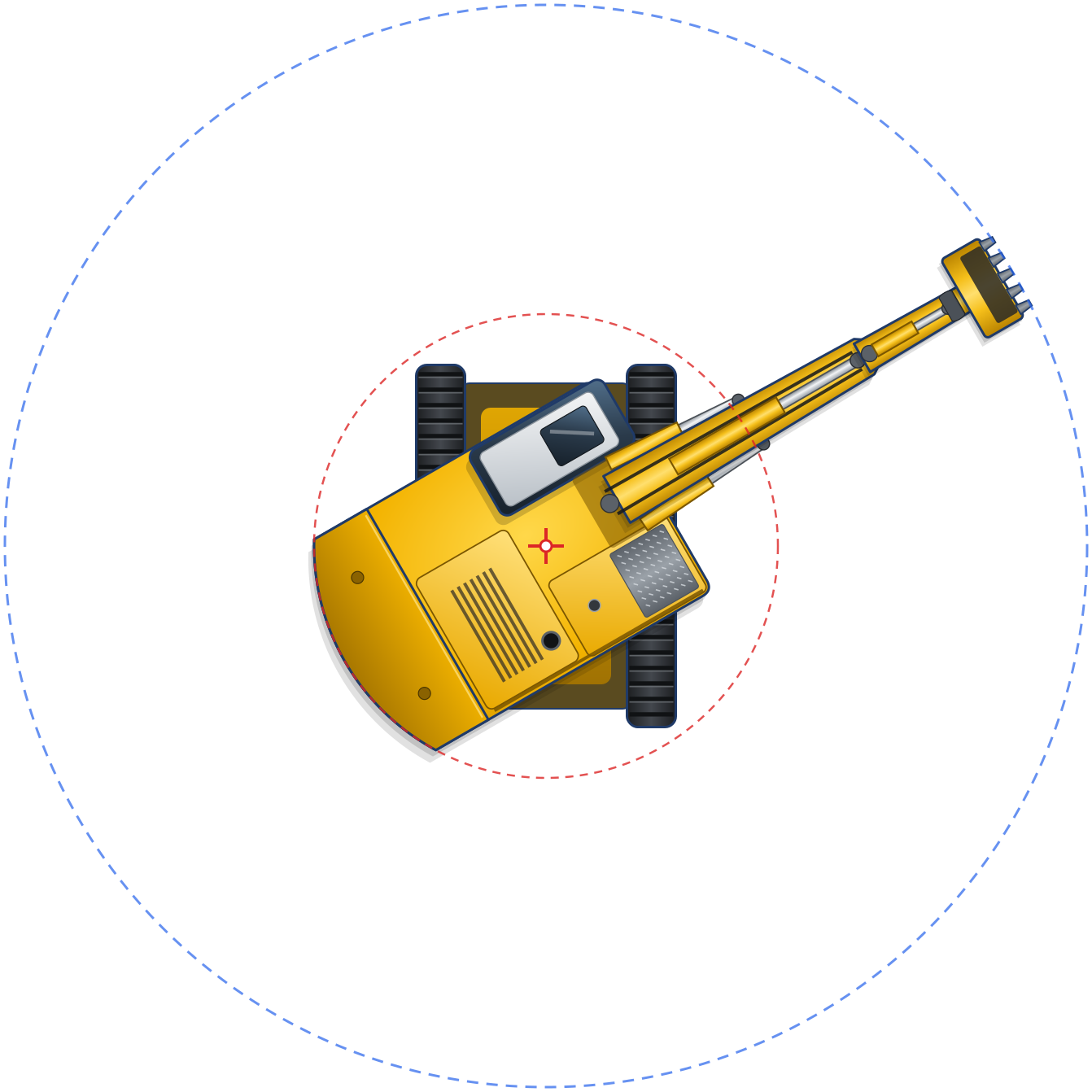
Tower and mobile cranes with slew rings and lift radius, excavators, site sheds and containers, cars and utes, trucks, fencing, hoarding, gates and signage. Drag or click to place.
Arrow lines, rectangles, dimensions, text and leader callouts, and hatching to mark up access routes, zones and exclusion areas.
Assign objects to phases. Show only what's active in each phase — track how the site evolves over time.
Export a professional logistics sheet per phase — complete with title block, legend, north point and company logo. Ready for the site notice board or tender submission.
Save your work as an .elp project file and open it again whenever you need to revise the plan.
Plant and equipment library
Place plant straight onto the calibrated site plan and see what actually fits – crane slew rings and lift radius included.


Who it’s for
Designed for teams at Tier 1 and Tier 2 contractors to communicate site logistics clearly and quickly.
Phases
Site logistics change as the job progresses. Break your plan into phases and produce a sheet for each one.
Site establishment, sheds, hoarding and access.
Cranes, laydown and delivery zones.
Plant and access for the envelope and services.
Material handling and internal logistics.
Landscaping, paving and final access.

PDF export
Free companion tool
Capture and annotate a screenshot with Snip, then send it to EasySiteSI to use in your plan. Also free.
Open EasySiteSI in your browser and start with your own site plan. Free, with no install, no licence and no sign-up.
Questions or feedback? Get in touch via paretoway.com.au.